NabuKit Pro
$8/ mo
$80 / year · 3-day trial · cancel anytime
- Unlimited projects, every feature
- A generous monthly usage allowance, included
- Mockup gallery and draw mode
- Download your bundle any time; walk away clean
From rough idea to build-ready AI app brief
NabuKit takes a one-line app idea and turns it into the brief your AI coder actually needs: research, PRD, design direction, mockups, and a copy-paste build prompt.
No card to start · cancel anytime
Or skip the blank brief
Start from an app brief that’s already built — browse the marketplace and clone a blueprint into your account.
Hand-built blueprints for common app categories: the product angle, scope, mockups, and build prompt. Clone one, make it yours, and hand it to Claude Code, Cursor, Codex, Lovable, Bolt, or a human dev.
Everything you get
Market, user, business, product, and brand choices get written down in short pages your builder can read before it touches the code.
Real screen sketches travel with the brief as the visual contract. Draw a screen by hand and it becomes part of the bundle.
A downloadable artifact folder plus a copy-paste build prompt — made for Claude Code, Codex, Cursor, and the next tool you try.
Chat, a content panel, a wizard, or plain text all edit the same source of truth. Every file keeps its full history.
Your own AI key, your data, your build bundle. Download it and walk away clean any time — no lock-in, no ceremony.
A look inside
No setup, no jargon, nothing to install. You answer plain questions; NabuKit turns them into a tidy brief you can read, change, and hand off.
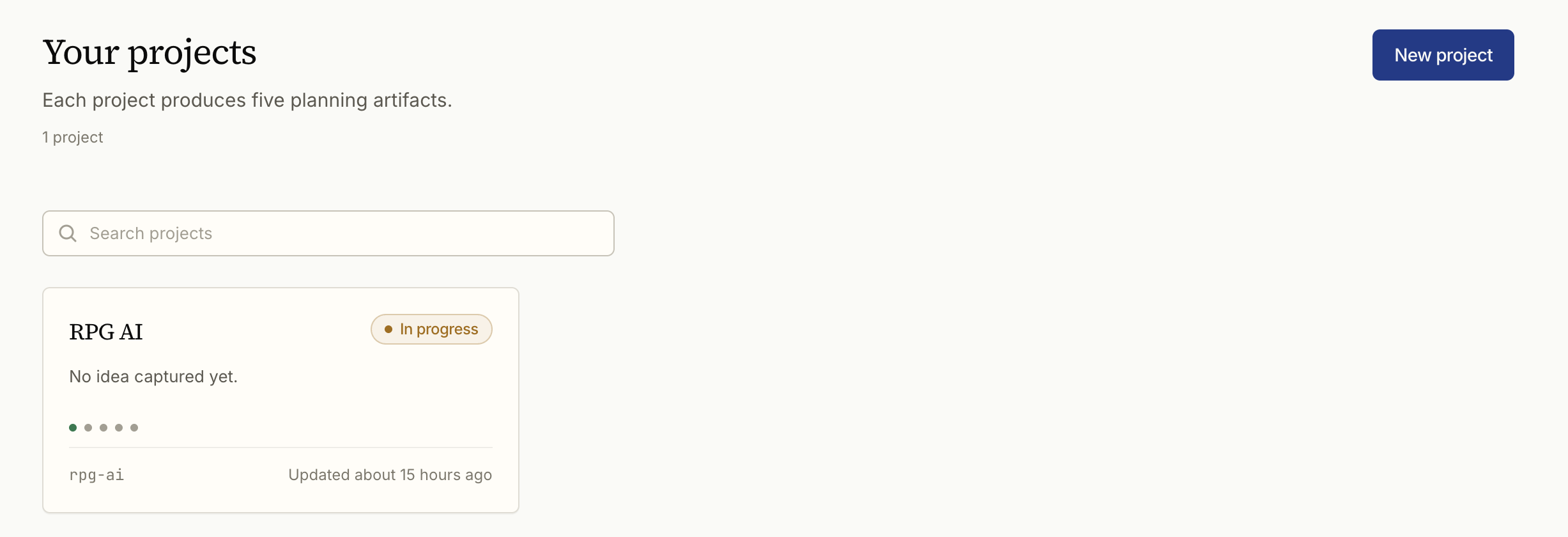
All in one place
Every app brief you start lives on one shelf — pick up exactly where you left off, no hunting.
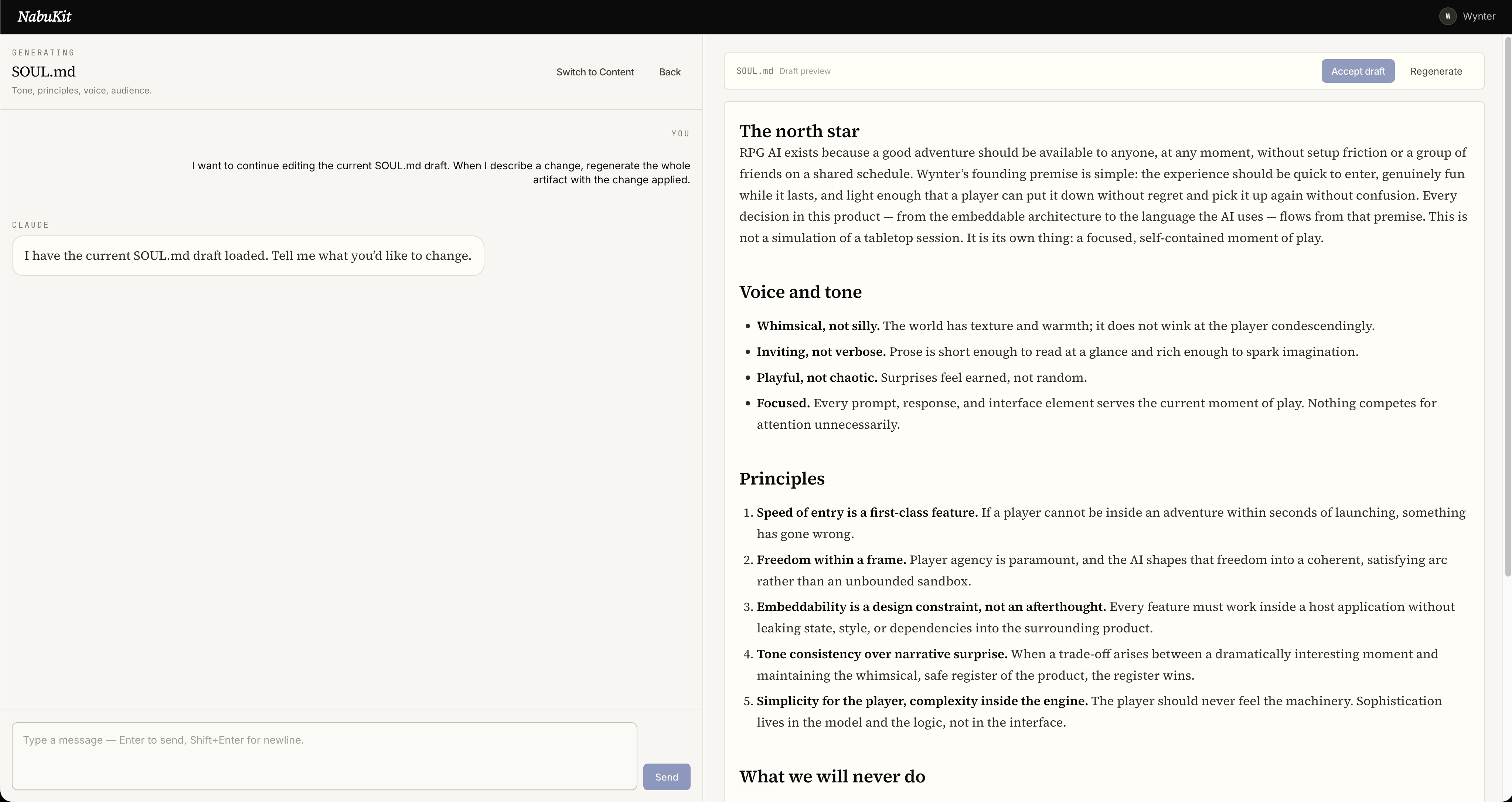
Change your mind out loud
Want it different? Say so in plain words. The brief updates and remembers — no starting over.
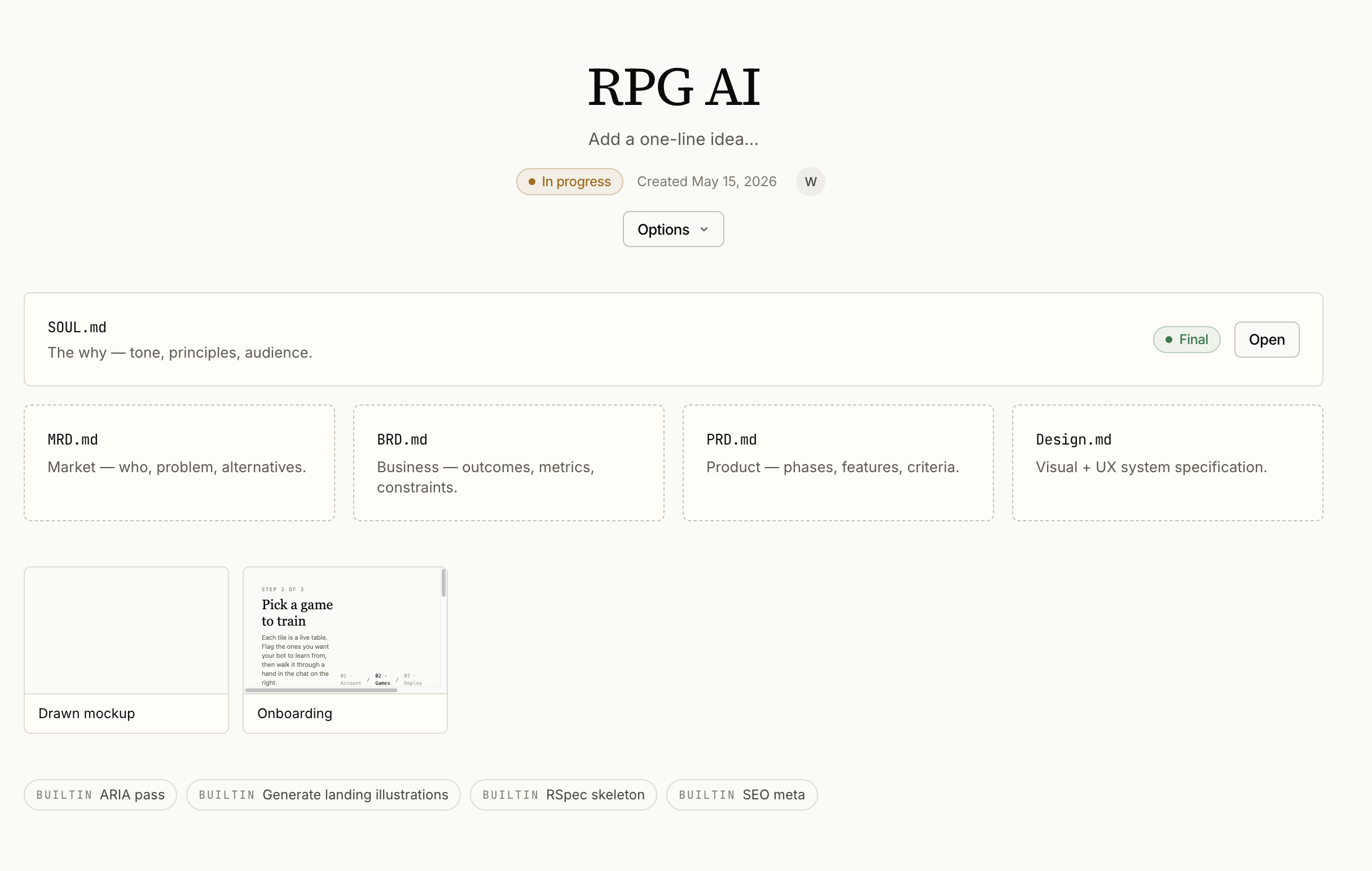
Decided once, kept forever
Every choice is written down a single time, so your AI builder never asks you the same thing twice.
3-day trial · no card to start
How it works
Bring a rough idea — or discover one. NabuKit helps find the market, the users, and the angle worth building.
It shapes the research into a build-ready bundle: Brand, Market, Business, PRD, Design, mockups, and images.
Give the finished bundle to your AI coder or dev. It starts with context, constraints, screens, and a real finish line.
Pricing
NabuKit Pro
$8/ mo
$80 / year · 3-day trial · cancel anytime
Need more usage mid-month? Top-up packs are $8 for a generous extra allowance. They stack.
More from the Nabu suite
Once the plan exists, the work begins. Nabu Tasks is the companion app for turning your plan into tracked, shippable work.